
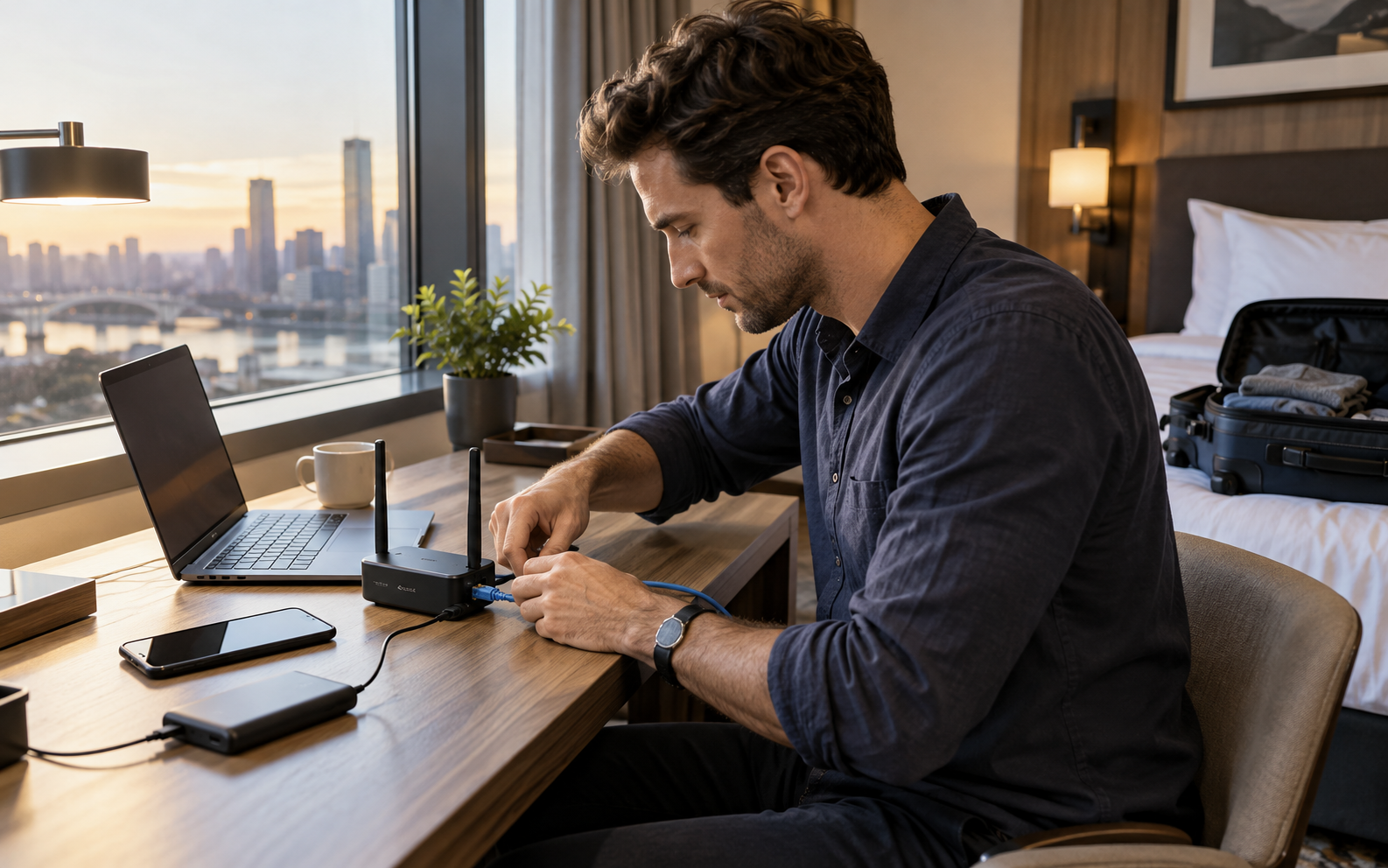
Picture this: a business traveler arriving at a hotel, finding a captive portal and one useful Ethernet jack, then needing the laptop, phone, and streaming device on one private network. That ordinary moment is the useful test. A product succeeds here only when it removes friction without introducing a new maintenance ritual, privacy surprise, or setup problem.
Quick verdict
The TP-Link Roam 7 (TL-WR3602BE) is a strong specific-model recommendation for frequent travelers who will actually use its hotspot, Ethernet, USB tethering, and VPN modes; it is unnecessary for someone who only needs to connect one phone to hotel Wi-Fi. This recommendation is about fit, not a numeric score. Product quality can vary by model, firmware, room, and retailer support, so the final choice should be checked against the exact item you are considering.
Frequent hotel, RV, and work travelers who want one repeatable network for several devices
You expect a built-in battery, need a 6 GHz radio, or rarely travel with more than one device
The real-life scenario
In this use case, convenience is only valuable when it survives a normal week: hurried mornings, imperfect Wi-Fi, shared spaces, cleaning, charging, and people who do not want to study a manual. We look for controls that make sense under pressure, maintenance that is easy to remember, and a fallback when the smart feature fails.
The right product should also fit the physical room. Measure clearances, cable paths, door swings, listening distance, storage, and access to power or drainage as relevant. Those details rarely headline a product page, yet they decide whether the purchase feels useful after the first month.
Tradeoffs to accept before buying
- Roam 7 is dual-band Wi-Fi 7 and does not include a 6 GHz band
- There is no built-in battery, so USB-C power or the included power arrangement remains part of the travel kit
- A travel router cannot improve the hotel's congested or slow upstream internet connection
What to check on the exact product
Confirm this against the exact model, room, and routine before paying.
Confirm this against the exact model, room, and routine before paying.
Confirm this against the exact model, room, and routine before paying.
A low-friction setup plan
- Configure the router name, strong password, and firmware updates at home before the trip
- Save only the connection modes you understand instead of changing every advanced option
- At the hotel, authenticate the captive portal first and test ordinary browsing before enabling a VPN
Keep the first setup deliberately small. Confirm the core job works, learn the reset procedure, and save receipts, serial numbers, recovery codes, and warranty details. Add optional apps or automations only after the basic workflow is dependable.
Who should buy—and who should wait
Buy for this scenario: Frequent hotel, RV, and work travelers who want one repeatable network for several devices. The product category is a strong fit when the core job happens often enough to justify the storage, charging, cleaning, subscription, or learning cost.
Wait or choose a simpler alternative: You expect a built-in battery, need a 6 GHz radio, or rarely travel with more than one device. A lower-tech tool is often the better choice when it is faster, easier to share, and less dependent on an account or app.
The reason to buy it is workflow, not the BE3600 label
The useful moment is checking into a room and giving every familiar device the same private network name. Roam 7 supports router, hotspot, USB tethering, USB modem, access-point, range-extender, and client modes. That flexibility matters only if you know which upstream connection the trip is likely to provide.
The missing battery is both a limitation and a planning advantage
Because the router relies on external USB-C power, it adds one cable and one power decision. It also avoids aging an internal battery inside a device that may spend months in a drawer. Pack a short cable and a verified 5V/3A source, and test the complete kit before leaving home.
Public Wi-Fi still requires judgment
A personal router gives your devices a consistent local network, but it does not make an untrusted upstream network inherently safe. Keep device software current, prefer encrypted services, review VPN compatibility, and do not assume a captive portal has disappeared simply because the router connected.
Published specifications that change the decision
Alternatives worth comparing
- TP-Link Roam 6 TL-WR1512X when Wi-Fi 6 and a lower purchase price are sufficient
- A phone hotspot when only one or two devices need occasional connectivity
- A compact VPN-capable travel router from another ecosystem if its firmware workflow is already familiar
TP-Link Roam 7 (TL-WR3602BE)
A compact dual-band Wi-Fi 7 travel router to compare for hotel Ethernet, captive-portal Wi-Fi, USB tethering, VPN, and multi-device trips.
Retailer link checked November 17, 2026. This is an affiliate link, so Review Radar Daily may earn a commission from a qualifying purchase at no added cost to you. Price, seller, and availability can change.FAQ
Does Roam 7 have its own cellular connection?
No. It can share supported Ethernet, public Wi-Fi, phone USB tethering, or a compatible USB modem connection, but it does not include a cellular plan.
Does Wi-Fi 7 make hotel internet faster?
It can improve the local connection between your devices and the router, but it cannot remove a slow hotel broadband or congested upstream network.
Can a power bank run it?
TP-Link specifies 5V/3A USB-C input and says most compatible power banks can power it; verify the output profile of the bank you plan to carry.
Source and verification note
Primary or authoritative reference checked October 11, 2026: tp-link.com, tp-link.com. Product availability, software features, prices, and terms can change; verify the exact model and current retailer information before purchase.