
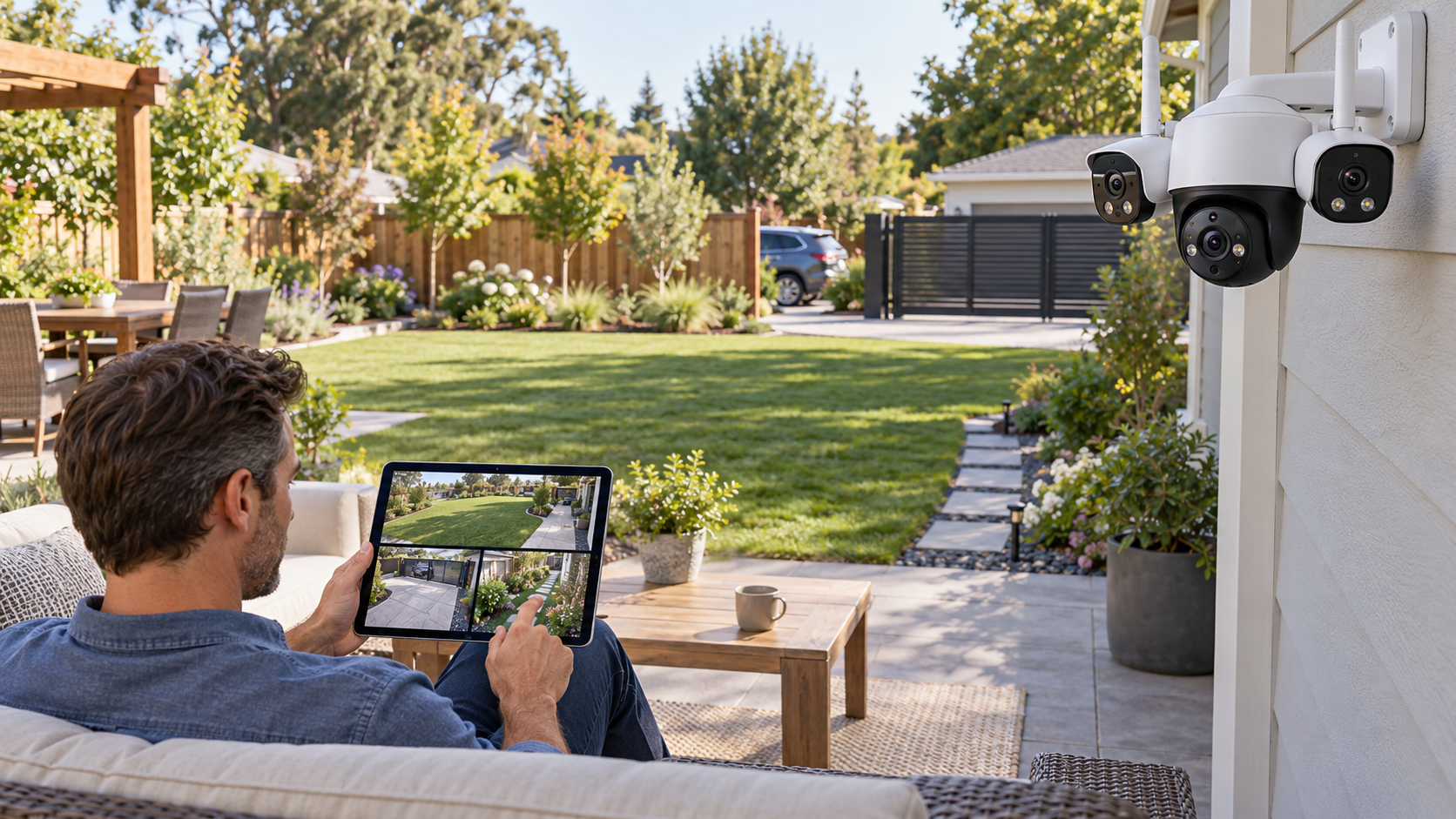
Picture this: a wide backyard where the patio, side gate, and driveway edge need a persistent overview while people or vehicles may move beyond one fixed frame. That ordinary moment is the useful test. A product succeeds here only when it removes friction without introducing a new maintenance ritual, privacy surprise, or setup problem.
Quick verdict
The OMVI 3i WiFi is Reolink's most interesting single-camera recommendation for a genuinely wide property: its fixed 180-degree panorama preserves context while a separate 8MP pan-tilt lens follows detail, but it demands reliable power, strong Wi-Fi, and compatible viewing hardware. This recommendation is about fit, not a numeric score. Product quality can vary by model, firmware, room, and retailer support, so the final choice should be checked against the exact item you are considering.
Wide yards, corner properties, small lots, and storefront approaches where one panoramic overview plus a tracked close view is more useful than another narrow PTZ feed
You cannot run a power cable, your Wi-Fi at the mounting point is weak, or your existing NVR cannot display the OMVI dual-view workflow
The real-life scenario
In this use case, convenience is only valuable when it survives a normal week: hurried mornings, imperfect Wi-Fi, shared spaces, cleaning, charging, and people who do not want to study a manual. We look for controls that make sense under pressure, maintenance that is easy to remember, and a fallback when the smart feature fails.
The right product should also fit the physical room. Measure clearances, cable paths, door swings, listening distance, storage, and access to power or drainage as relevant. Those details rarely headline a product page, yet they decide whether the purchase feels useful after the first month.
Tradeoffs to accept before buying
- It is Wi-Fi for data but still requires continuous 12V DC power
- The three-lens design creates two useful streams and therefore more storage, bandwidth, and playback complexity
- Reolink warns that older NVR firmware may not display the PTZ view
What to check on the exact product
Confirm this against the exact model, room, and routine before paying.
Confirm this against the exact model, room, and routine before paying.
Confirm this against the exact model, room, and routine before paying.
A low-friction setup plan
- Choose a wall with an unobstructed 180-degree horizon rather than simply the highest corner
- Update the camera and recorder before judging dual-view or tracking behavior
- Create narrow detection zones first, then add patrol and tracking only where movement is useful
Keep the first setup deliberately small. Confirm the core job works, learn the reset procedure, and save receipts, serial numbers, recovery codes, and warranty details. Add optional apps or automations only after the basic workflow is dependable.
Who should buy—and who should wait
Buy for this scenario: Wide yards, corner properties, small lots, and storefront approaches where one panoramic overview plus a tracked close view is more useful than another narrow PTZ feed. The product category is a strong fit when the core job happens often enough to justify the storage, charging, cleaning, subscription, or learning cost.
Wait or choose a simpler alternative: You cannot run a power cable, your Wi-Fi at the mounting point is weak, or your existing NVR cannot display the OMVI dual-view workflow. A lower-tech tool is often the better choice when it is faster, easier to share, and less dependent on an account or app.
The overview should remain visible while the detail moves
A normal PTZ camera can look closely at one subject but turns away from everything else. OMVI 3i keeps a fixed 180-degree panorama above an independently moving 8MP lens. Around a gate or broad patio, a tracked person does not erase the rest of the scene.
This is a small recording system, not a casual battery camera
The camera supports scheduled and continuous recording, up to a 512GB microSD card, Wi-Fi 6, and two high-resolution views. Power, signal quality, storage capacity, and playback workflow matter more than the headline 18MP total.
Firmware is a buying consideration
Reolink warns that earlier NVR firmware may omit the PTZ view, and desktop dual-screen behavior can depend on how the camera is connected. Identify the recorder hardware version and update path before ordering.
Published specifications that change the decision
Alternatives worth comparing
- OMVI 3i PoE when one Ethernet run is preferable to Wi-Fi plus separate power
- Reolink TrackMix PoE when dual-view tracking matters but a fixed 180-degree panorama does not
- Two simpler fixed cameras when independent placement and redundancy matter more than one integrated view
Reolink OMVI 3i WiFi
A triple-lens camera to compare when one fixed 180-degree overview and a second tracked close view need to share one mounting point.
Retailer link checked November 17, 2026. This is an affiliate link, so Review Radar Daily may earn a commission from a qualifying purchase at no added cost to you. Price, seller, and availability can change.FAQ
Is OMVI 3i WiFi battery powered?
No. It uses dual-band Wi-Fi for networking but requires a 12V/2A DC power connection.
What do the three lenses do?
The upper dual-lens camera creates a 10MP 180-degree panorama, while the lower 8MP pan-tilt camera follows selected movement.
Will it work with an older Reolink NVR?
Compatibility varies. Reolink calls for current firmware and notes that older versions may show only the panoramic stream.
Source and verification note
Primary or authoritative reference checked October 15, 2026: reolink.com, reolink.com. Product availability, software features, prices, and terms can change; verify the exact model and current retailer information before purchase.