
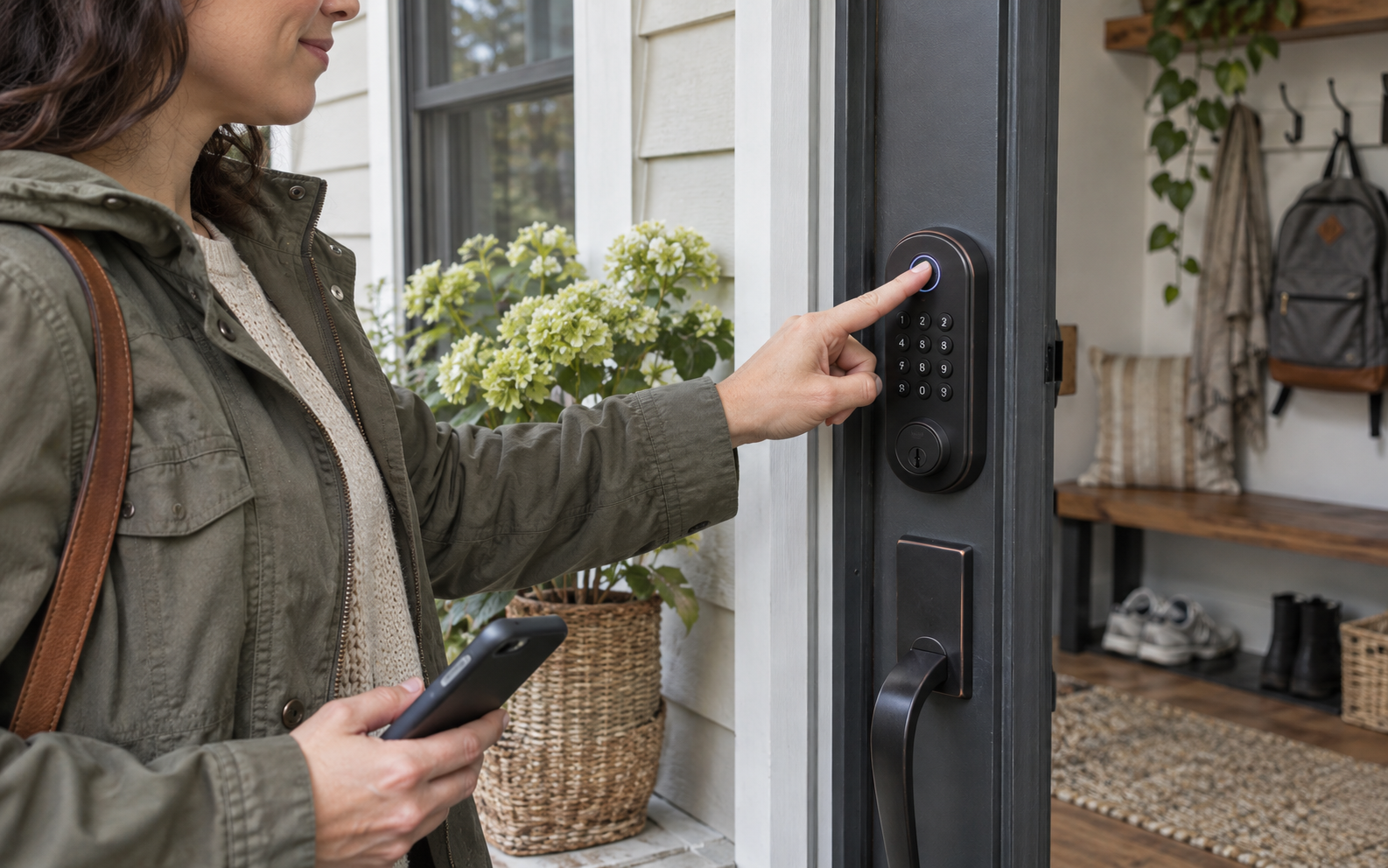
Picture this: a family needs fingerprints for everyday entry, temporary codes for a cleaner or guest, and Apple Home Key without paying for automatic UWB approach unlocking. That ordinary moment is the useful test. A product succeeds here only when it removes friction without introducing a new maintenance ritual, privacy surprise, or setup problem.
Quick verdict
The Aqara U100 remains the practical Aqara deadbolt for households that want fingerprint entry, Apple Home Key, guest codes, and a physical-key backup at a lower tier than U400. Its richest remote and automation features still depend on the right Aqara hub, so the lock should be budgeted as part of a system rather than assumed to be fully remote on its own. This recommendation is about fit, not a numeric score. Product quality can vary by model, firmware, room, and retailer support, so the final choice should be checked against the exact item you are considering.
Apple Home users who value fingerprint entry and guest codes more than hands-free approach unlocking
The door dimensions fall outside Aqara's requirements, you want remote ecosystem features without an Aqara hub, or you specifically want Matter over Thread built directly into the lock
The real-life scenario
In this use case, convenience is only valuable when it survives a normal week: hurried mornings, imperfect Wi-Fi, shared spaces, cleaning, charging, and people who do not want to study a manual. We look for controls that make sense under pressure, maintenance that is easy to remember, and a fallback when the smart feature fails.
The right product should also fit the physical room. Measure clearances, cable paths, door swings, listening distance, storage, and access to power or drainage as relevant. Those details rarely headline a product page, yet they decide whether the purchase feels useful after the first month.
Tradeoffs to accept before buying
- Remote access, third-party automations, and Matter bridging require compatible Aqara hub hardware
- Four AA batteries are easy to replace but still need a household maintenance plan
- The lock-status gyroscope is convenient, yet door and strike alignment still determine whether the bolt truly seats
What to check on the exact product
Confirm this against the exact model, room, and routine before paying.
Confirm this against the exact model, room, and routine before paying.
Confirm this against the exact model, room, and routine before paying.
A low-friction setup plan
- Correct any rubbing bolt or loose hinge before installing the motorized deadbolt
- Enroll administrator access, physical key, fingerprint and Home Key before sharing guest codes
- Test auto-lock with the door open, nearly closed and fully latched so the chosen delay matches real household traffic
Keep the first setup deliberately small. Confirm the core job works, learn the reset procedure, and save receipts, serial numbers, recovery codes, and warranty details. Add optional apps or automations only after the basic workflow is dependable.
Who should buy—and who should wait
Buy for this scenario: Apple Home users who value fingerprint entry and guest codes more than hands-free approach unlocking. The product category is a strong fit when the core job happens often enough to justify the storage, charging, cleaning, subscription, or learning cost.
Wait or choose a simpler alternative: The door dimensions fall outside Aqara's requirements, you want remote ecosystem features without an Aqara hub, or you specifically want Matter over Thread built directly into the lock. A lower-tech tool is often the better choice when it is faster, easier to share, and less dependent on an account or app.
U100 covers the entry methods most families actually share
Fingerprint access suits daily users, while periodic and one-time codes suit cleaners, relatives and short visits. Home Key works well for Apple users, and the cylinder remains the recovery path. That mixture matters more than a long list of voice assistants.
The hub question should be answered before checkout
Bluetooth and local fingerprint entry are not the same as remote control or cross-platform automation. Map the features the household expects, then include the correct Aqara hub in the real cost if remote status, automations or Matter bridging are required.
Auto-lock cannot compensate for a bad door
The gyroscope can identify movement and trigger locking, but a swollen door or off-center strike can leave the bolt pressing against wood. Test the door mechanically through seasonal pressure before blaming firmware or increasing motor retries.
Published specifications that change the decision
Alternatives worth comparing
- Aqara U400 when compatible Apple UWB approach unlocking is worth the premium
- A keypad-only deadbolt when fingerprints and smart-home integration add no value
- A retrofit interior lock when the exterior hardware must remain unchanged
Aqara Smart Lock U100, Shadow Gray
A fingerprint and Apple Home Key deadbolt to compare when reliable shared entry matters more than UWB approach unlocking.
Retailer link checked November 17, 2026. This is an affiliate link, so Review Radar Daily may earn a commission from a qualifying purchase at no added cost to you. Price, seller, and availability can change.FAQ
Does U100 support Apple Home Key?
Yes. Aqara lists tap-to-unlock with a compatible iPhone or Apple Watch.
Does it need an Aqara hub?
Basic local entry methods do not all require one, but Aqara states remote features, automations and third-party Matter use require compatible hub hardware.
What if the batteries are depleted?
The U100 includes a physical-key path and an exterior USB-C emergency-power port in addition to low-battery warnings.
Source and verification note
Primary or authoritative reference checked November 17, 2026: aqara.com, us.aqara.com. Product availability, software features, prices, and terms can change; verify the exact model and current retailer information before purchase.